

How to optimize video for AI-powered search
Video is one of the most complex, information-dense marketing assets.
For human audiences, it delivers emotional nuance and context far more effectively than the written word.
For AI models, it provides a high-density stream of data for more accurate indexing and synthesis.
Once upon a time, video was confusing for search crawlers.
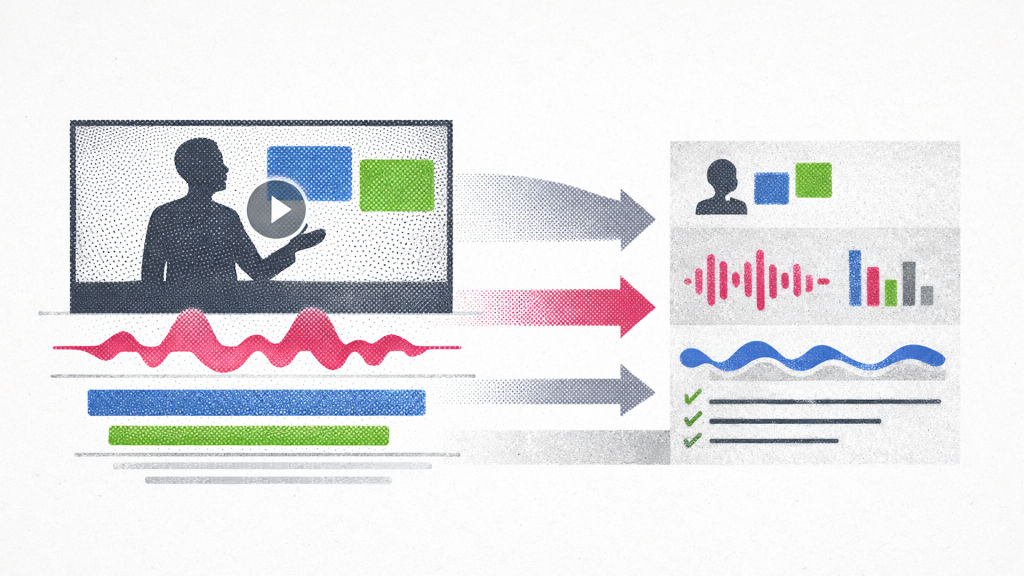
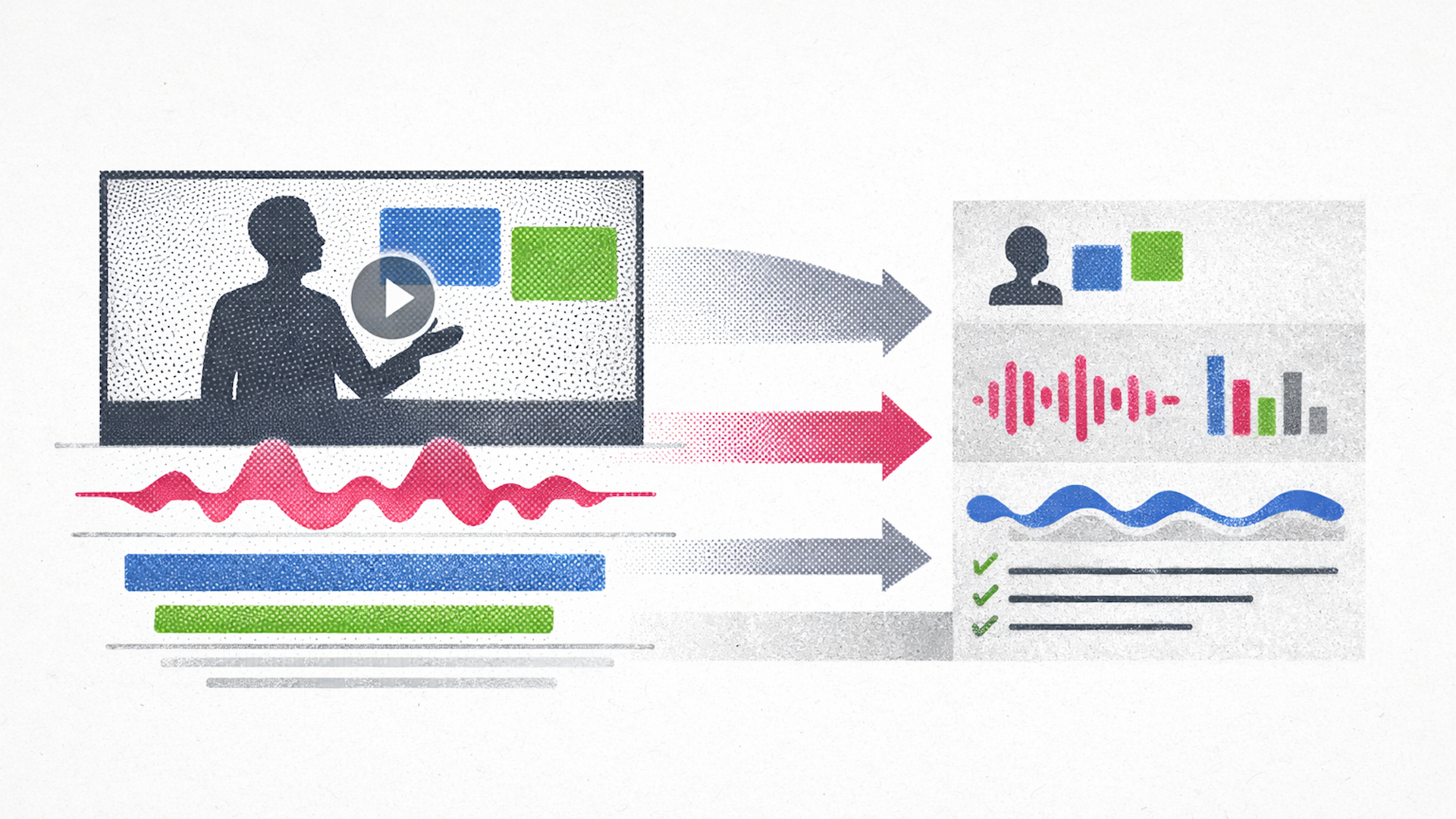
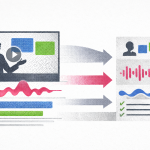
Now, it’s “watchable” by AI. Models can deconstruct video into parallel visual, auditory, and textual streams.
Let’s go through how to optimize video for AI.
Why video is important for AI: contextual density optimization
In the past, search engines had to read surrounding metadata to understand video. This text – title, description, tags, transcript – was the key to optimization.
In the AI-mediated web, the video file itself is the active training data.
When an AI model like Gemini 1.5 Pro “watches” a video, it uses a process called discrete tokenization to turn the entire video into a language it understands.
The AI performs three tasks at once:
- Seeing: It takes snapshots of the video at regular intervals to understand what is happening on screen.
- Hearing: It listens to the audio for more than just words, picking up on tone, emotion, and background noises.
- Connecting: It matches sound to sight – if it sees someone holding a wrench while saying “wrench,” it creates a link between that object and that sound.
Videos with clear, high-quality information that are specific – called content granularity – are more impactful than long ones.
AI can now also pick up on “silent” information, including:
- Text on presentation slides
- Labels on a product during a demo
- A presenter’s facial expressions
This process converts pixels and sound waves into a language AI can understand.
However, if your video is blurry or the audio is muffled, the model may hallucinate or choose a competitor’s clearer source.
Dig deeper: How to dominate video-driven SERPs
How to prevent AI from making mistakes about your business
When an AI model doesn’t have enough specific facts about your brand, it interpolates, filling in the blanks by looking at your competitors.
For example, if many of your competitors offer a free trial but you don’t, the AI might simply “guess” that you do, too. It assumes you are just like everyone else in your industry.
This is called brand drift.
High-quality, authoritative video is one of the best ways to fix this. It provides the ground truth that AI needs to stop guessing. It can provide:
- Nuance: A video of an expert explaining a complex service captures details that a written blog post might miss.
- Correction: If an AI has outdated info, fresh video content gives it the “proof” needed to update its understanding of your brand.
- Trust: Models like GPT-5.2 are less likely to guess if they have high-trust visual signals to rely on.
Tip: Use video transcripts and audio to feed RAG systems – the tech AI uses to look up facts. This will help ensure an AI narrates your brand story accurately.
How AI watches videos
A native multimodal model like Gemini 1.5 Pro is trained to understand text, images, and audio directly and simultaneously.
Other AIs rely on separate specialized models to translate audio, text, and visuals separately, with methods like frame sampling and text surrogates.
No matter how AI watches your videos, you’ll get better performance if you guide it with structured text: double-check the transcript, optimize the title, and make sure the closed captions are accurate.
FYI: Gemini 1.5 pro has such a massive context window that it can ingest entire movies, webinars, and long tutorials without breaking a sweat. A video is tokenized at roughly 300 tokens per second (258 for video + 32 for audio).
This one frame-per-second (FPS) sampling rate has massive implications for video editing. Modern smash cuts and jump cuts are designed to eliminate dead air, for example:
View this post on Instagram
While popular on TikTok, YouTube Shorts, and Instagram Reels, this style is not ideal for AI readability.
If a video features fast-paced editing, AI may miss the visual information. It must remain on-screen for at least one full second, and ideally two to three seconds, to ensure it samples a clear, representative frame.
This requires a return to “slow TV” principles for technical content – pans should be slow, text overlays should linger, and scene changes should be deliberate.
Dig deeper: YouTube is no longer optional for SEO in the age of AI Overviews
Visual layers
While advanced AI models sample naturally, older models have to work harder, using tools like facial recognition, object detection, and text scanning (OCR) to figure out what is happening in a video.
To make sure an AI doesn’t miss anything, focus on the following elements.
Resolution and readability
If a video is blurry, the AI won’t be able to read the text on the screen.
You don’t need 4K, but avoid low-quality video as OCR accuracy degrades below 360p.
While Super-Resolution (SR) techniques can enhance OCR performance by up to 200% on low-quality inputs, creating a new video is more efficient in most cases.
For most AI models, crisp 1080p video delivers the best results.
Contrast and font selection
Use bold, simple fonts, like Arial or Helvetica, for maximum machine readability.
Also, use white text on a black background, which provides a 21:1 contrast ratio — the gold standard for OCR reliability.
Other combinations, such as yellow on black (18:1), are also highly effective. However, yellow can be a complicated color when it comes to accessibility.
Avoid serif fonts or low-contrast combinations, like grey on white. They introduce probabilistic errors during tokenization. When in doubt, use accessibility guidelines.
Visual anchors
To help the model “understand” the video, include clear visual anchors. If discussing a software interface, ensure the user interface (UI) is clearly visible and not obscured by the presenter’s head.
If discussing a physical product, have it rotate slowly in a video so the AI model can generate a 3D understanding from the 2D frames. These anchors help the model build a spatial representation of the subject matter.
When working with product packaging, ensure product labels are legible, and face the camera when recording or generating your video.
And when it comes to branding, consistent brand codes, specific color palettes, and logo placement all help AI models recognize your brand entity.
Get the newsletter search marketers rely on.
See terms.
Audio layers
The way you speak in a video is just as important as what you say. AI looks for patterns and emphasis to figure out what matters most.
Gemini’s native audio processing can “hear” video, treating audio tokens with the same weight as text tokens.
Audio streams rely on automatic speech recognition (ASR) models like OpenAI’s Whisper or Google’s Universal Speech Model (USM) to convert speech into searchable text transcripts.
Advanced models analyze tone, sentiment, and vocal cadence. An authoritative, confident tone serves as a “soft signal” of expertise.
Here are some optimization tips for audio layers.
- Speaker identification: Make sure you identify the speakers multiple times to ensure consolidation occurs.
- Use “audio bolding”: Think of your voice as a highlighter. To help the AI identify your most important points, use audio bolding – a short pause before and after a main point, which acts like a comma or period for the AI. The cadence of speech influences tokenization. It helps the AI model group your words into logical sentences and understand where one thought ends and another begins.
- Stay consistent: AI is constantly checking whether what it hears matches what it sees. If you say “Model X is our fastest version” but your video shows a slide for Model Y, you are sending a conflicting signal. When the AI gets confused by these mixed signals, it often chooses to ignore the information.
Tip: Your script and visuals should always be saying the same thing at the same time.
Dig deeper: The SEO shift you can’t ignore: Video is becoming source material
Text layers
Even though AI is getting better at “watching” video, you shouldn’t let it do all the work.
Transcripts are your safety net
Your transcript is the Rosetta Stone for your video. It translates sights and sounds into plain text, the format that LLMs are best optimized to process.
Even advanced AI models are faster at reading text than at watching video frame by frame.
Transcripts are great for:
- Speed: They allow an AI to understand your entire video quickly.
- Accuracy: It’s easy for an AI to mishear a technical term or a brand name – a written transcript removes that guesswork.
- Compatibility: Not every AI model can “watch” video yet – for those that can’t, a transcript is the only way they will know what your video is about.
Want to go the extra mile? Provide a clean, human-verified transcript in the video description or via closed captions (SRT/VTT files).
Meet VideoObject schema
VideoObject schema is the standard for communicating video metadata to search engines and AI crawlers. Beyond basic name and description properties, several advanced properties are needed:
- hasPart (Clips/Chapters): This property allows you to define “Clips” or “Chapters” within videos. This is crucial for “Seek-to-Action” capabilities, where an AI can direct a user to the exact second a question is answered. By defining these segments, you are pre-chunking the content for the RAG system.
- transcript: While models have ASR, providing a human-verified transcript in the schema ensures almost 100% accuracy and removes the risk of mishearing brand names, technical jargon, or acronyms.
- interactionStatistic: This property, distinct from simple view counts on a player, helps signal authority and engagement. High interaction counts can function as a proxy for quality and engagement.
Start optimizing video for AI
Video is one of your brand’s strongest defenses against being misunderstood or ignored by AI. Investing in video helps shore up your online reputation.
Expert videos provide the ground truth that forces AI to be accurate. Without video as a guide, AI might guess who you are based on what your competitors are doing.
Video is also the most effective way to prove to both humans and AI models that you are an authority in your space.
Dig deeper: A technical guide to video SEO






Recent Comments